HIT FIRE TV

Hit Fire TV Player Apps & Setup Guides

Choose your device below. Sign in with your existing Hit Fire TV service username and password. No Sidekick activation is needed.

Hit Fire TV player apps

Get the official Fire TV app below. Downloads marked Development preview are early test builds.

Hit Fire TVOfficial release · 0.17.70

Amazon Fire TV / Android TV

Download the latest Hit Fire TV player for streaming on your Fire TV or Android TV device.

Sign in with your Hit Fire TV service username and password. If you already use this app, open Settings → About → Check for app updates.

Download Fire TV APKFire TV installation guide
Hit Fire TV0.1.0 · Development preview

Windows PC

Windows x64 · Intel / AMD

Extract the entire ZIP, then open HitFire.exe. Keep the included files together. This unsigned preview has not yet been tested on a Windows PC.

Download Windows preview
Hit Fire TV0.1.0 · Development preview

macOS

Apple Silicon · macOS 14+

Extract the ZIP and move the app to Applications. This locally signed preview is not notarized; macOS may block it. Contact support if blocked.

Download Mac preview
Hit Fire TV0.1.0 · Development preview

Android phone / tablet

Android 8 or later

Open this page on your phone or tablet, download the APK, then open it from Downloads and follow Android’s installation prompts. Debug-signed preview; real-device testing is pending.

Download Android APK
Hit Fire TVRelease pending

iPhone / iPad

The iOS app is in development. A signed TestFlight or App Store release is required before customers can install it.

No customer download is available yet.

Contact support

Installation notes

Existing Fire TV apps: setup

To install each Hit Fire TV app on your Amazon Fire Stick, you must first enable Developer Options and allow apps from unknown sources.

  1. On your Amazon Fire Stick, go to Settings.
  2. Go down and click My Fire TV.
  3. Click About.
  4. Click Fire TV Stick 7 times until “You are now a Developer” appears.
  5. Press back once on your remote, then go down and click Developer Options.
  6. Turn ON ADB debugging and Apps from Unknown Sources.
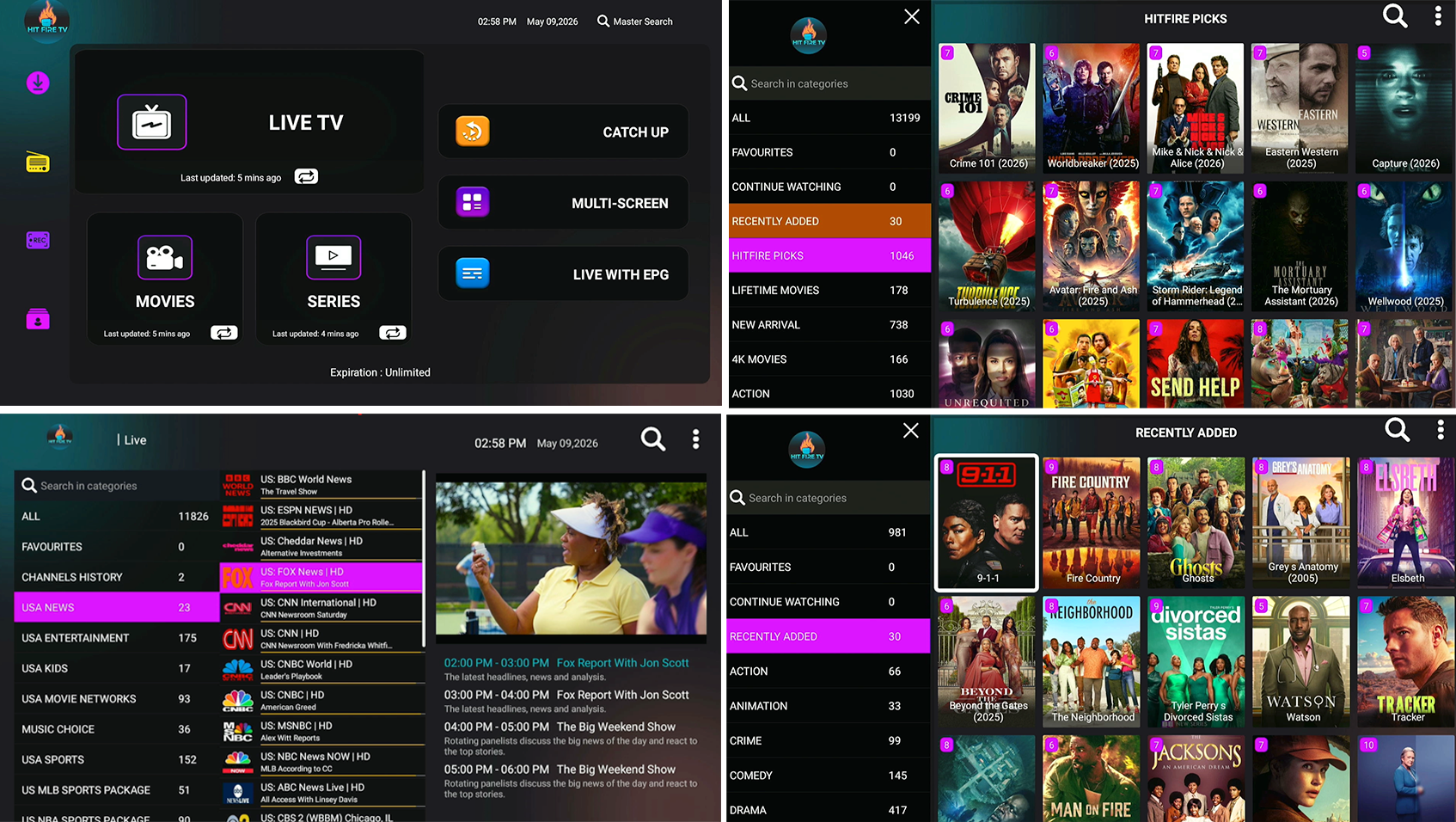
Hit Fire TV v2 app

Hit Fire TV v2 app

Best for Firestick and Android TV Devices.

Hit Fire TV v2 App Installation

  1. Open Downloader App. On the Home tab, enter 506746 in the search box.
  2. Wait for the download to start, then download and install the application.
  3. Open the application and click Add PLAYLIST.
  4. Click the HitFire TV button.
  5. Enter your credentials: your 5-digit username and password.
  6. After entering your username and password, press NEXT.
  7. Once processing is complete, press DONE.
  8. Wait until the app loading process has completed.
  9. Done!
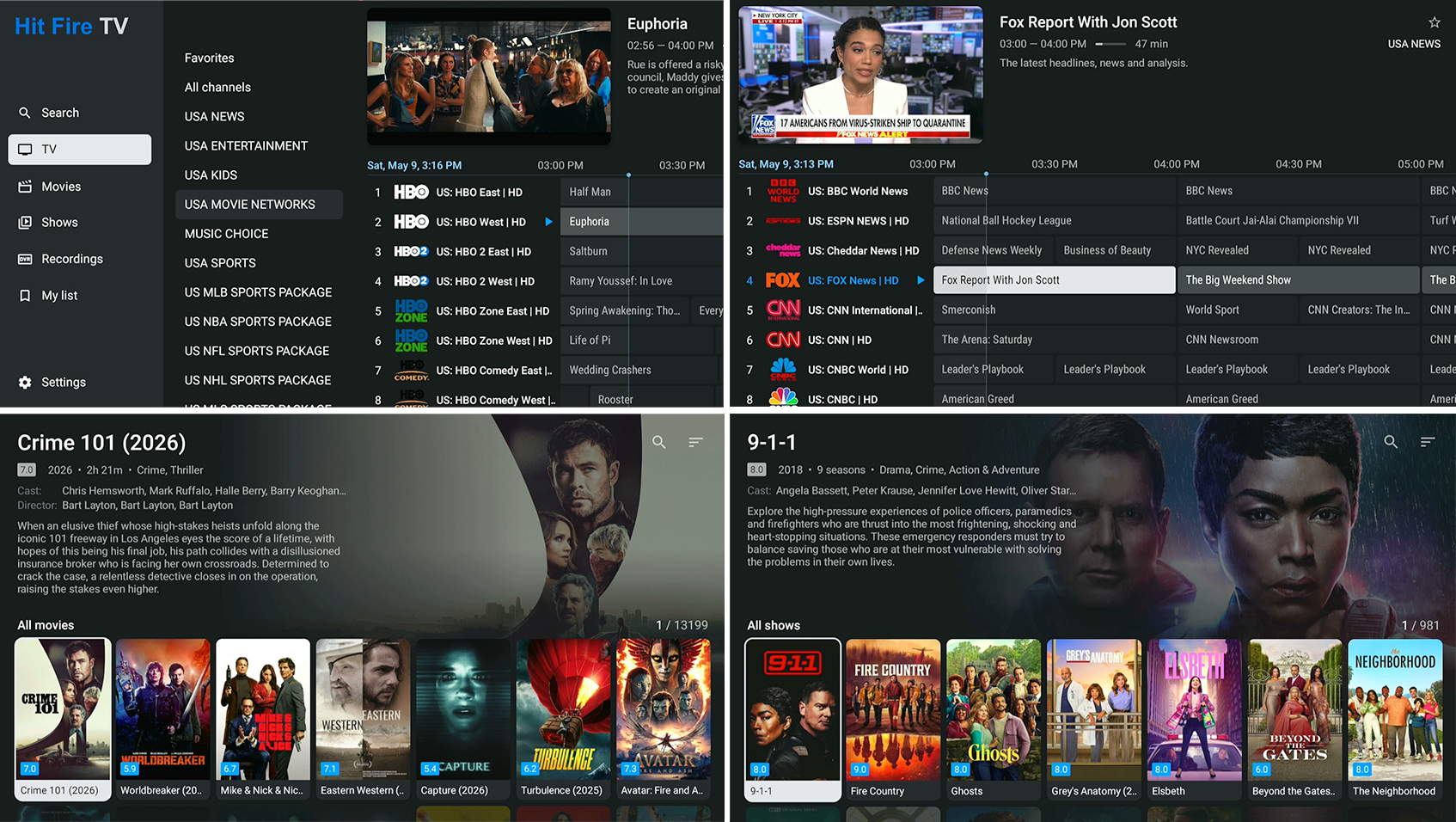
Hit Fire TV v3 app

Hit Fire TV v3 app

Recommended for Firestick, Android TV, Android Phone/Tablets.

Hit Fire TV v3 App Installation

  1. Open Downloader App.
  2. Where it says Enter a URL or Search Term, enter 8034043 and press GO.
  3. Please wait a moment for the application to download.
  4. Once the download is complete, click INSTALL.
  5. Once the application has installed, click OPEN.
  6. Enter your 5-digit username and password, then press LOG IN.
  7. On the next screen, highlight and press Hit Fire TV v3.
  8. Done!
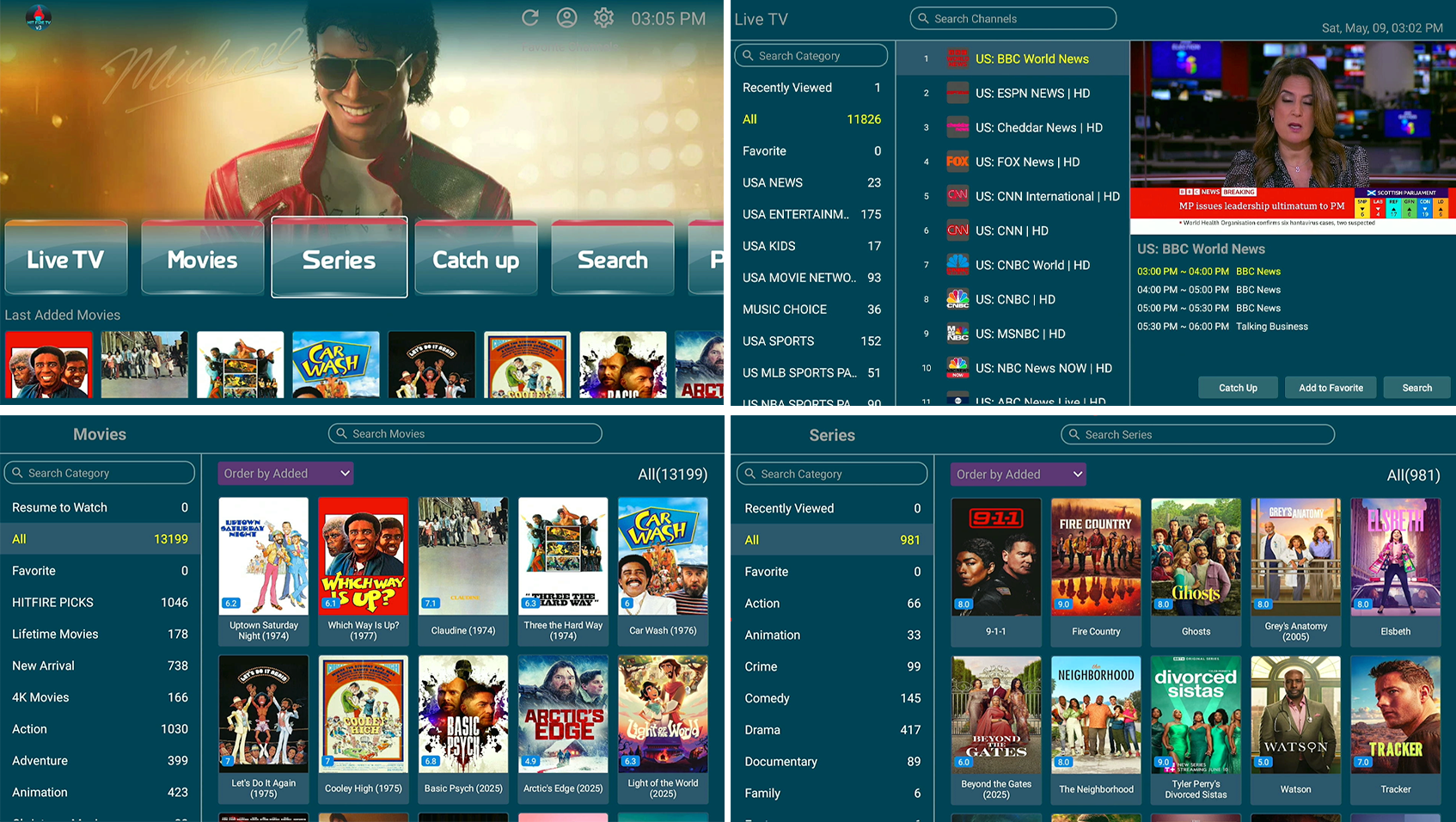
Hit Fire TV v4.1 app

Hit Fire TV v4.1 app

Latest App! Great for Firestick, Android TV, Android Phone/Tablets..

Hit Fire TV v4.1 App Installation

  1. Open the Downloader App on your Fire Stick.
  2. Enter this code: 7234416.
  3. Download, install, then open the app.
  4. Add any name.
  5. Enter your username and password, then press Add Playlist.
  6. Download the available content for live streaming and your media library.
  7. Done!

Need Help Installing?

If you need help installing your Hit Fire TV player app, please contact support with your device type. We can guide you through the setup process step by step.